For the owner
How the owner updates this site
A Complete Presence site comes with a CMS (content management system), a simple dashboard for updating the site, with 2 collections. This shop has three: New Arrivals and Workshops & Events are included, and the Journal was added as a third. The shop signs in, picks what to change, and publishes. No code and no waiting on a developer.
Below is a working demo of that dashboard, built for this sample. Only one item opens in it: Washed Normandy linen, under New Arrivals. Change its words, photo or price, then press Publish. The other sections and items are there to show the layout, and nothing saves. Further down, try the Closed today switch for snow days and holidays.
Editing a New Arrival: Washed Normandy linen. Change the words, the photo or the price, then press Publish.
New Arrivals
-
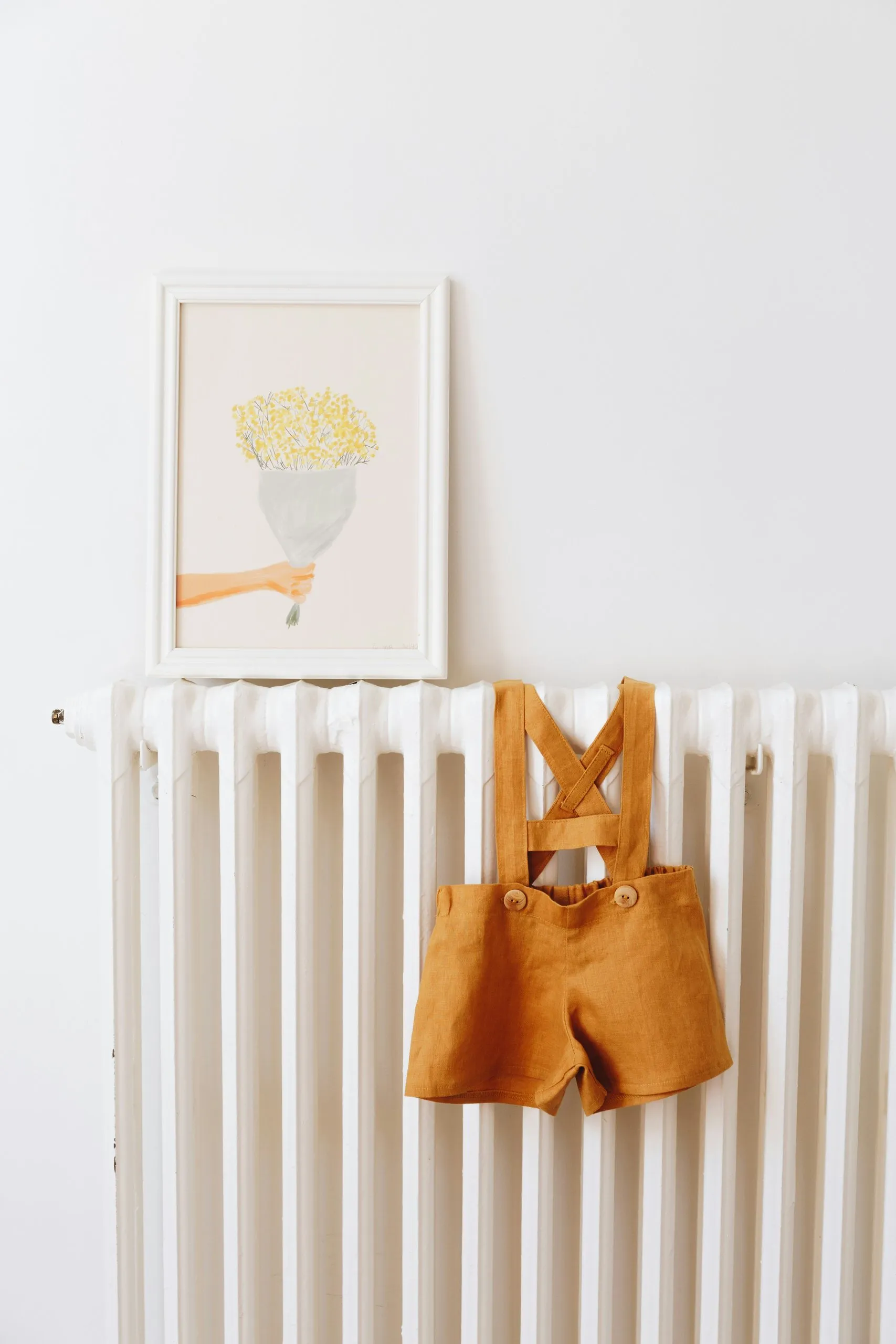 Organic cotton rompersArriving soon · $42
-
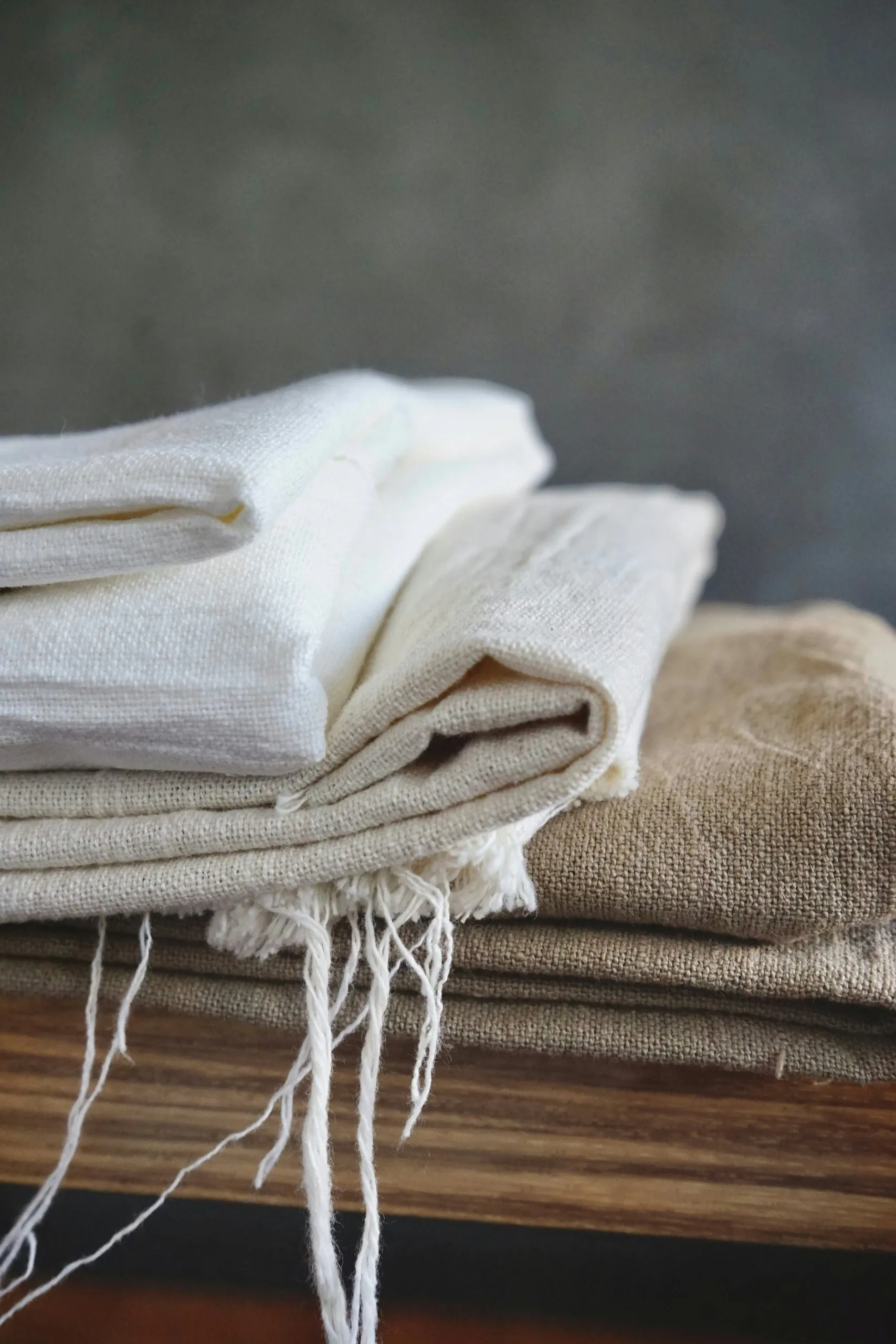 Washed Normandy linenIn store · $34Open in this demo
-
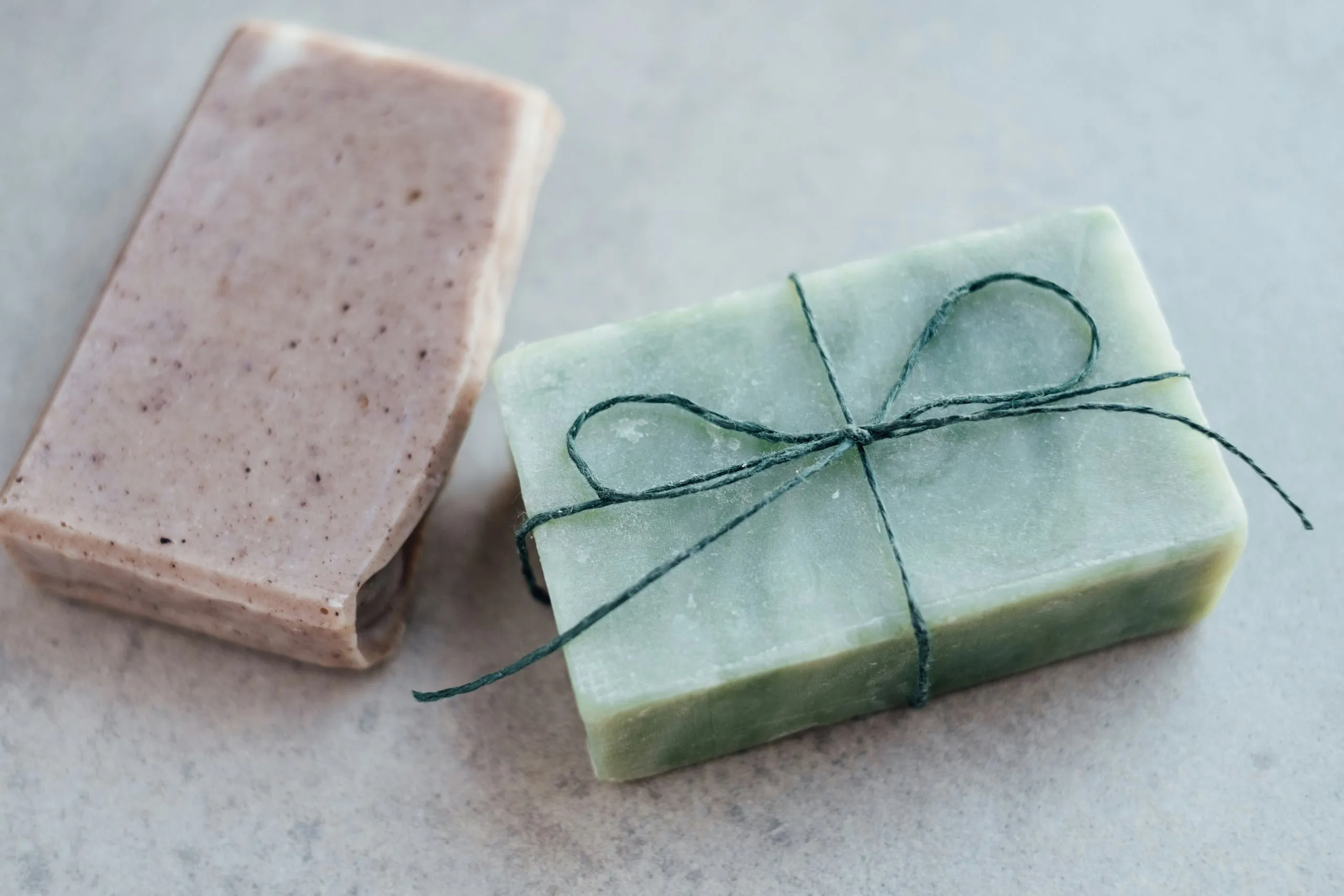 Oat and lavender soapIn store · $12
-
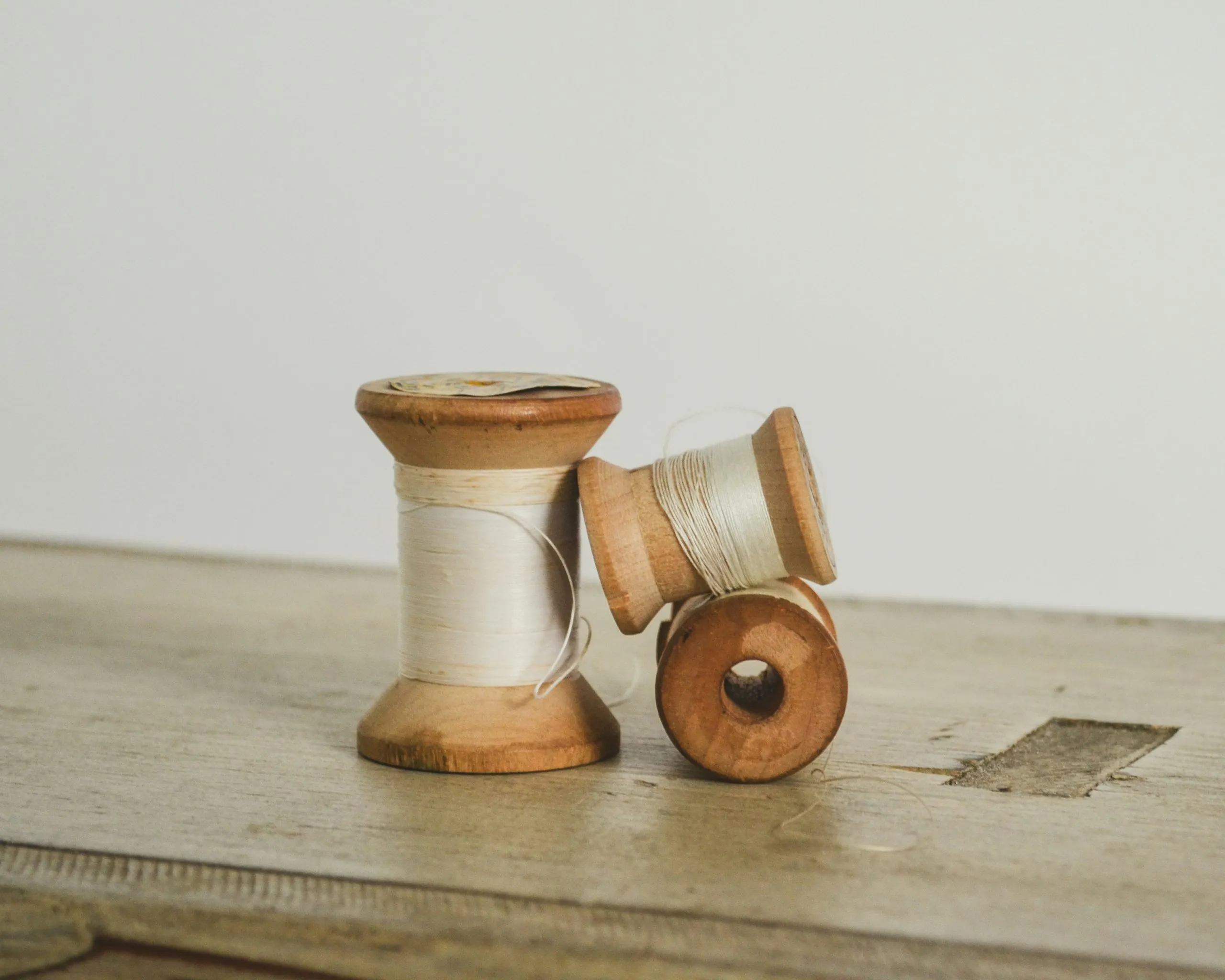 Cotton thread from LyonIn store · $6
-
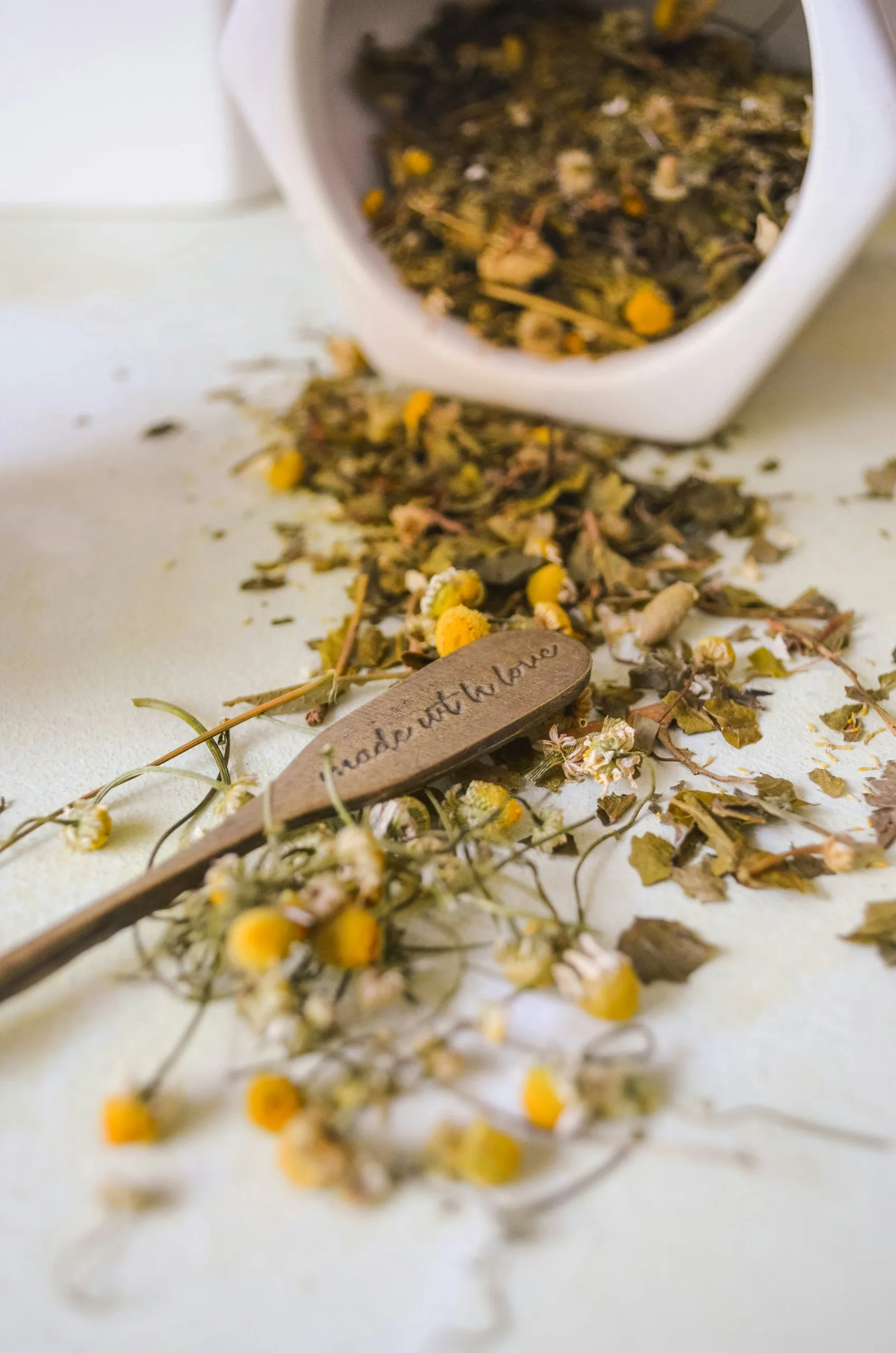 Chamomile and lemon balmIn store · $9
-
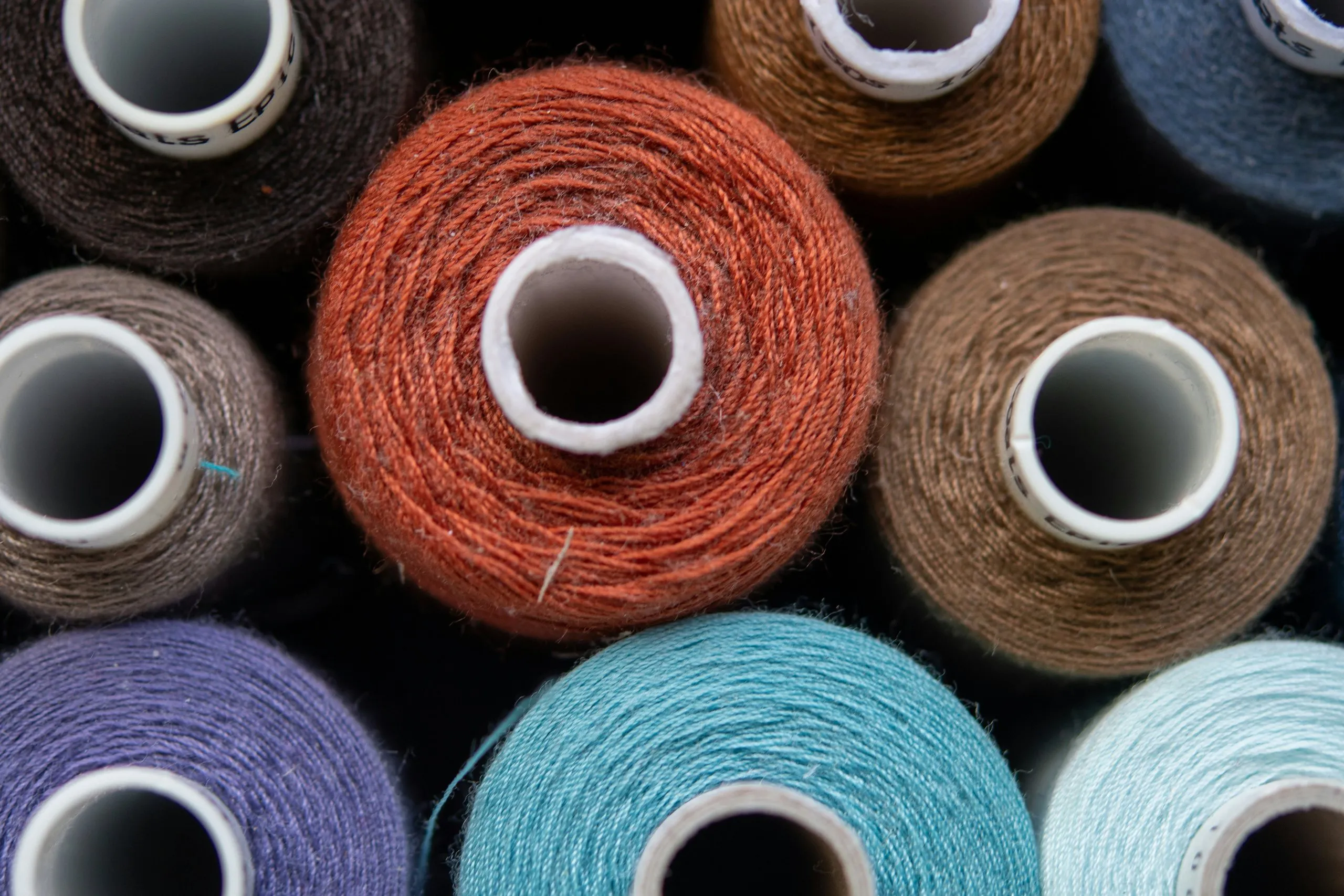 Catskill wool yarnLast few · $18
-
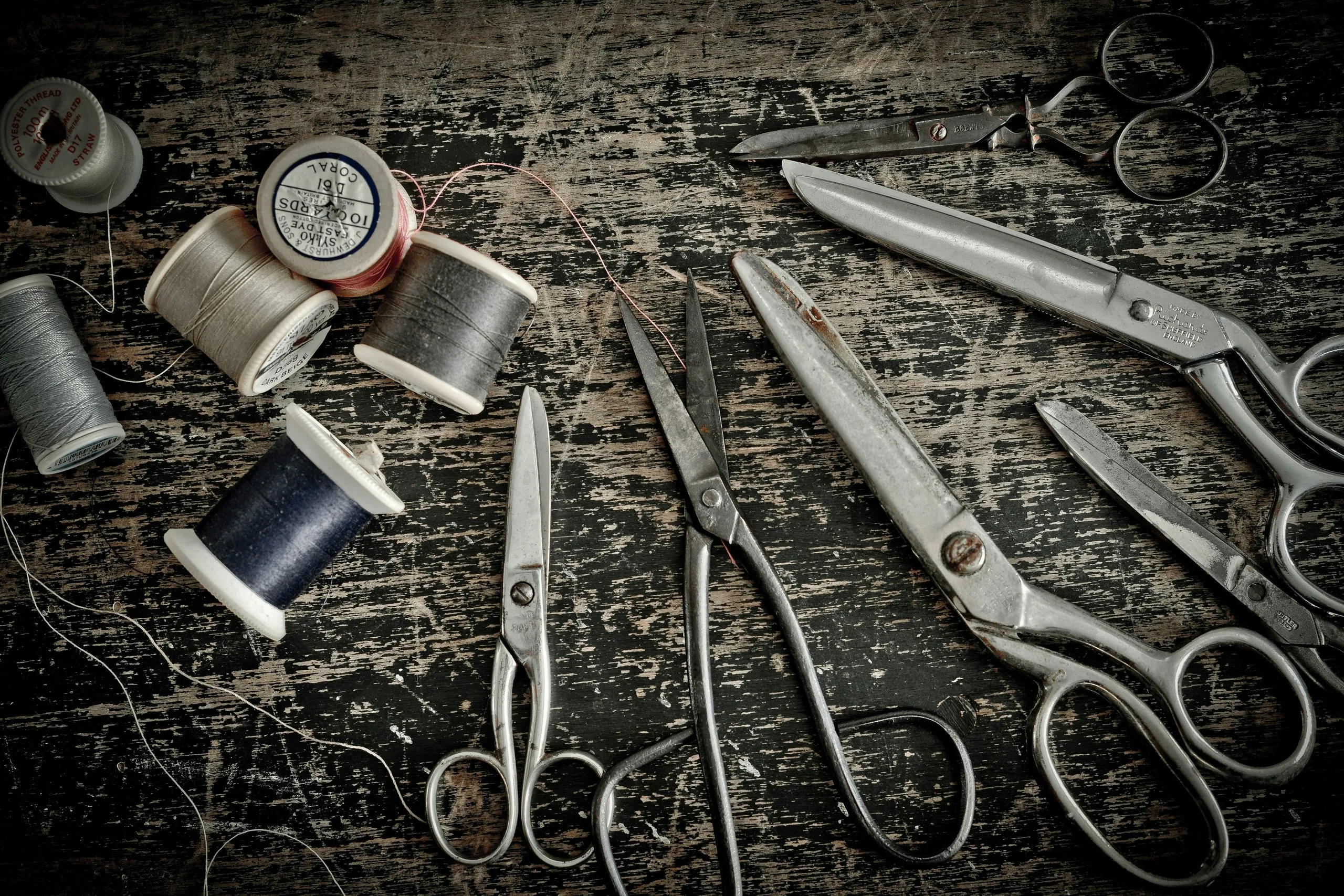 Dressmaker’s shears from ThiersIn store · $78
A demo built for this sample site. The real dashboard looks much like this and works on a phone too.
Snow day? Flip Closed today and the whole site says so. It switches itself off at midnight.
Closed today
For snow days, a sick day or a family event.
- ThanksgivingThu, Nov 26Closed
- Day after ThanksgivingFri, Nov 279am to 6pm
- Christmas EveThu, Dec 2410am to 2pm
- Christmas DayFri, Dec 25Closed
- New Year’s EveThu, Dec 3110am to 3pm
- New Year’s DayFri, Jan 1Closed
Reminder: Google shows its own hours in Maps and search. After you change hours here, update them on your Google Business Profile (opens in a new tab) too.
What visitors see
No notice today. The site shows one only for a closing or holiday hours this week.
The notice at the top of every page

The open-now sign on the home page photo
Adding a new arrival takes about two minutes
- 01
Sign in
From any computer or phone, with your own email and password.
- 02
Pick a collection
New Arrivals, Workshops & Events, or the Journal. Or a page, like the hours or the story.
- 03
Write and add a photo
Type in plain words. Drop in a photo from your phone. The site resizes it.
- 04
Publish
The change is live on the site in a minute or two. The new item shows on its department page, the New Arrivals page and the home page by itself.
Without calling anyone
- New Arrivals
- Title, photo, price, department, status (In store, Last few, Arriving soon) and description.
- Workshops
- Date, time, price, seats left, what to bring, and the description. Past dates drop off.
- Journal
- An added third collection. Short notes with a photo, a date and who wrote them.
- Pages
- The words and photos on every page, the opening hours, and the phone number.
- Left to us
- New page designs, new features, and anything that changes how the site works.